Sora 2 is AI video creator by OpenAi, You can generate realistic videos using text prompts and images, but writing prompts for getting best output is very crucial, In this post I am sharing a few prompt tempaltes, prompt structure and custom GPT for writing exceptional prompts for Sora 2.
How to write prompts for Sora 2 video?
Each tool has its own quality, prompting structure, like Wan, Kling can understand simple conversational text and turn them into video, similarly Veo, Sora can generate videos with simple text output, but what makes a video more smooth and creative is the sequence of the prompt.
Do not write generic prompts or copy pasted text from ChatGPT, Instead structure it in a systematic way, break down it in scenes, timer. Below you will see the breakdown of the prompt.
Step 1: Define your video timeline
Split your video by seconds — clarity creates control.
- 0–3s + HOOK — Grab instant attention
- 3–6s + CONTEXT — Build story or setup
- 6–9s + ACTION — Show movement, idea, or reveal
- 9–12s + CTA/RESOLVE — Emotional or brand closure
Step 2: Use Smart Tags for Control
Add these tags to every part of your timeline for layered precision:
- [CAM] — camera movement, lens, shot type
- [VO] — voiceover or key dialogue line
- [MUSIC] — sound design, rhythm, or tone
- [EMOTION] — pacing, mood, energy
- [TRANSITION] — visual or emotional link between shots
- [STYLE] — cinematic, product ad, surreal, lo-fi, etc.
- [LIGHT] — lighting setup or tone (e.g., golden hour, studio glow)
- [FX] — motion effects, grain, particles, realism level
Step 3: Notes for Consistency
- Keep same subject appearance and lighting continuity across shots.
- Maintain story flow — Hook → Build → Reveal → Resolve.
- Adjust pacing by shortening or extending segments (2s–3s each).
Always think: camera direction, emotion, rhythm.
Prompt Structure (example template for 10 second video reference):
Setting: [Describe the environment, time of day, weather, textures, and mood]
Subjects: [Describe humans, objects, animals, or other key elements, including appearance, style, and actions]
Lighting: [Type, color, direction, contrast, and effects]
Vibe / Mood: [Emotional tone, psychological effect, cinematic feel]
Sequence / Timestamps:
[00:00–00:03]
- Camera shot type, motion, and angle
- Subject action / interaction
- SFX / audio cues
- VFX / visual effects
[00:03–00:06]
- Next camera shot, transition style
- Subject motion or interaction
- Lighting change or highlight
- SFX / VFX cues
[00:06–00:09]
- Close-ups / medium shots / slow-motion
- Important action or object focus
- SFX / VFX enhancements
[00:09–00:10]
- Final shot / camera movement
- Resolution of tension or story beat
- Text overlay or title if needed
- SFX / VFX finale
Prompt examples for Sora 2
Style: Luxury minimalist | tactile realism | cinematic editorial look | slow vertical motion
0–3s [HOOK]
[CAM: vertical macro close-up, 100mm lens, soft handheld drift upward]
[VO: “Touch begins here.” — gentle whisper tone]
[MUSIC: ambient pulse, low glass resonance]
[EMOTION: purity + sensual calm]
[LIGHT: golden rim light tracing skin contour, subtle mist haze behind subject]
[STYLE: ultra-realistic, minimal palette of skin tones + warm whites, 12% film grain]
[FX: slow motion droplet landing on skin, refracting warm light]
3–6s [CONTEXT]
[CAM: vertical dolly-in on moisturizer jar — frosted glass, logo revealed as light glides across surface]
[VO: “Pure hydration, refined by time.”]
[MUSIC: glass shimmer + soft heartbeat rhythm]
[LIGHT: low-key golden glow, background softly blooming]
[EMOTION: curiosity + elegance]
[TRANSITION: vertical lens flare sweep revealing logo top-down]
[STYLE: minimalist luxury product, cream-white palette, high contrast reflections]
6–9s [ACTION]
[CAM: slow vertical tilt — hand applying moisturizer, product texture catching highlights]
[MUSIC: rhythm deepens slightly with tactile bass pulse]
[LIGHT: diffused daylight, edge-lit from right for dimensionality]
[EMOTION: renewal + confidence]
[FX: soft focus transition from skin to reflection in mirror behind]
[STYLE: cinematic realism, vertical depth-of-field layering]
9–12s [RESOLVE / CTA]
[CAM: centered portrait composition — product jar in focus, silk draped background fades softly]
[VO: “Essence by Nature. Defined by You.”]
[MUSIC: single piano note resolving into stillness]
[LIGHT: backlight halo + volumetric haze wrapping jar silhouette]
[TRANSITION: bloom to white → brand logo fade-in]
[STYLE: luxury minimalism, vertical composition balance, soft fade-out]
Prompt Example 2– 8 second
Setting: Dimly lit boxing arena, smoky haze, blurred cheering crowd, single spotlight on the ring.
Subjects: Two male fighters, muscular, sweat-covered, wearing worn leather gloves and shorts.
Lighting: Harsh overhead spotlight, side fill light creating dramatic shadows.
Vibe / Mood: Intense, gritty, adrenaline-filled.
Textures / Imperfections: Sweat, blood, motion blur, leather texture, smoke in air, subtle lens flare.
Sequence / Timestamps
[00:00–00:02]
Wide low-angle shot of the ring, crowd blurred.
Fighters face each other, fists raised, tense.
Bell rings, crowd cheers.
[00:02–00:04]
Handheld medium shot, tracking one fighter throwing fast punches.
Slow-motion highlight: glove connects with opponent, sweat flying.
SFX: Punch impact amplified.
[00:04–00:06]
Close-up on fighters’ faces, eyes focused, jaw clenched.
Lighting: harsh spotlights cast dramatic shadows.
VFX: Sweat glinting, motion blur on head movement.
[00:06–00:08]
Overhead wide shot, fighters exchanging punches rapidly.
Crowd roars, dramatic bass thump.
Quick cuts on fists and gloves, final freeze-frame mid-strike.
This is how you can structure your prompts to get best output from Sora 2 without wasting too much credits.
Don’t have Sora 2 access yet? Try it on ImagineArt
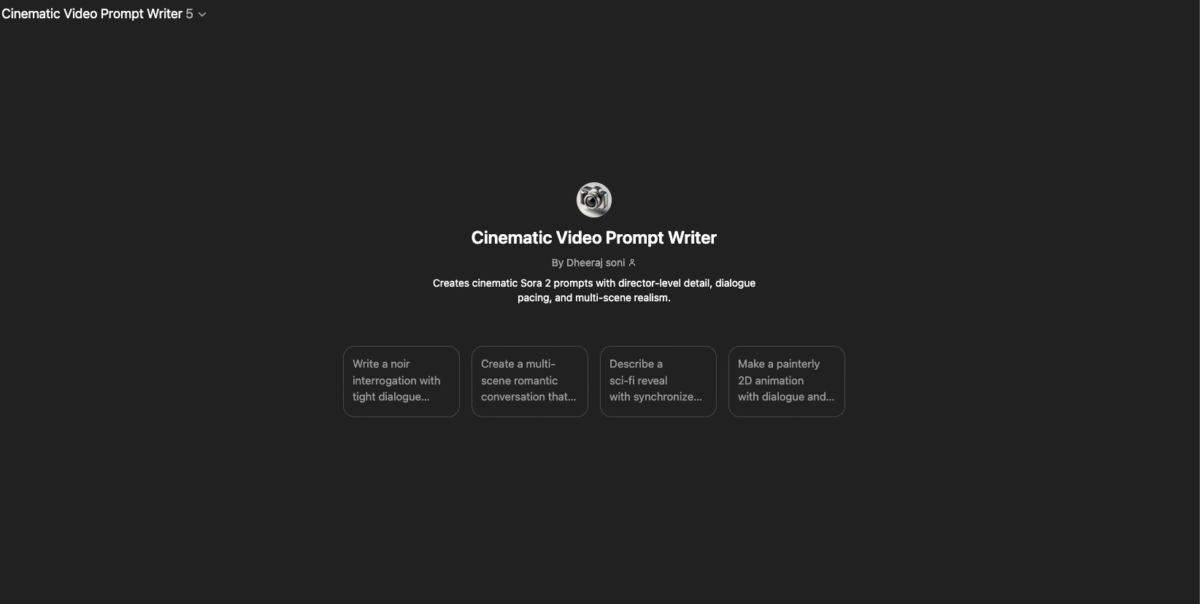
Get custom GPT for Sora 2 prompt writing here- Sora 2 prompt writer